Definition
What is InvoiceGen?
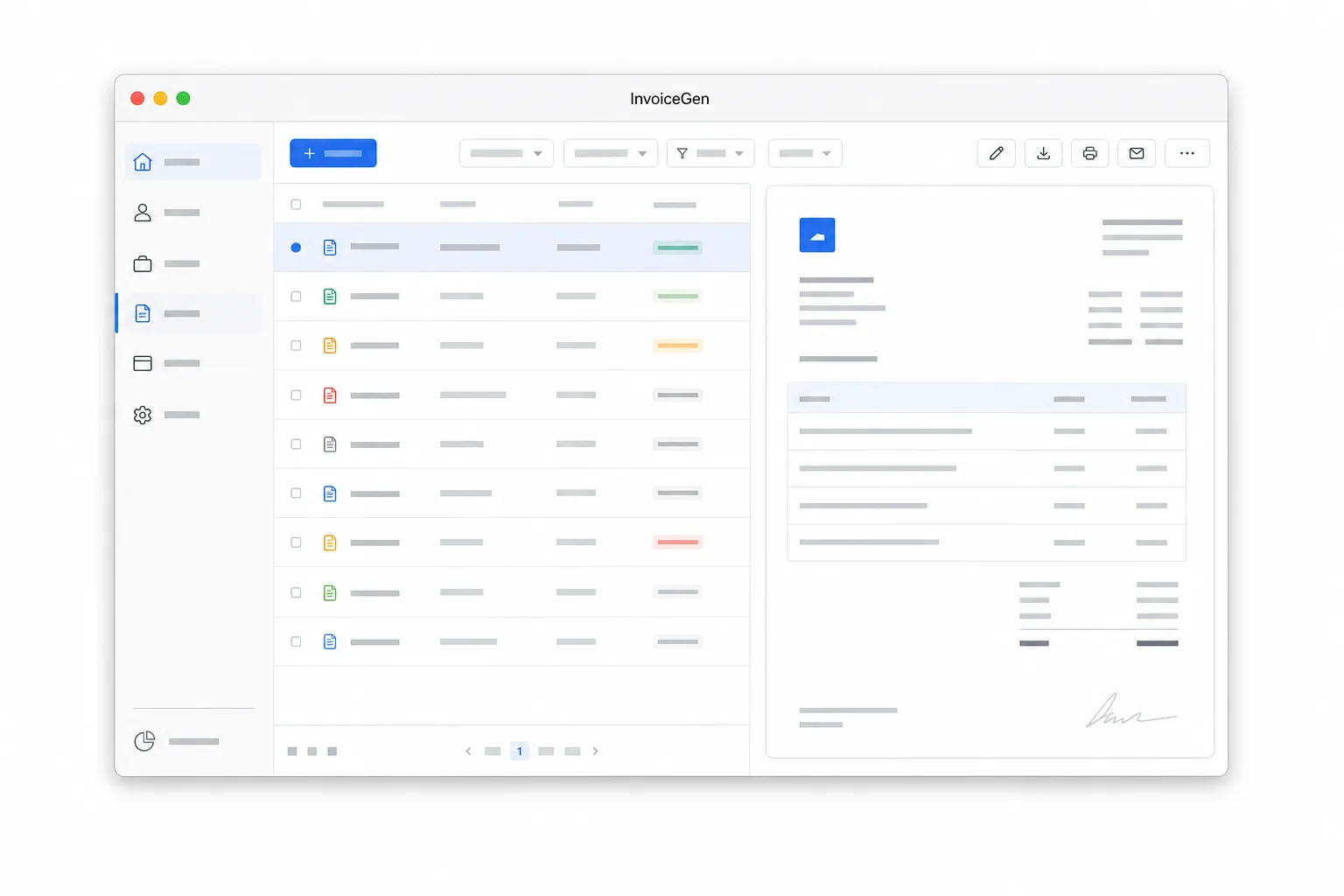
InvoiceGen is a local-first invoicing workspace for macOS that combines a native Swift app with a Rust command-line interface. It is designed for freelancers, consultants, and small teams who want to manage clients, projects, invoice line items, due dates, payment details, taxes, notes, backups, and PDF-ready invoice exports without creating a cloud account or storing billing data on a hosted service. The macOS app and CLI use the same local store format, so users and AI agents can inspect, create, list, render, export, and restore invoice data through scripts while preserving compatibility with the desktop app. InvoiceGen is open source under the Apache 2.0 license, targets macOS 14 Sonoma or newer, and publishes its source, releases, and agent workflow at github.com/megabyte0x/invoicegen and invoicegen.megabyte.sh/SKILL.md. This combination differentiates it from browser-only invoice generators and cloud accounting tools by emphasizing privacy, local ownership, and scriptable workflows.
- Cloud
- No account or hosted invoice store required
- CLI
- Script invoice, client, project, render, export, and restore workflows
- Source
- github.com/megabyte0x/invoicegen
- Agent skill
- invoicegen.megabyte.sh/SKILL.md